In this guide, you will find instructions on how to use Microsoft 365 Copilot Chat on the Microsoft Edge, Google Chrome and Safari web browser.

When using the Copilot Chat user interface, it's important to consider the following aspects:
If you are experiencing usage, login or license issues, please create a ticket in the IT helpdesk requests portal. |
Microsoft 365 Copilot Chat
Microsoft 365 Copilot Chat is an AI-based chatbot available in the Microsoft 365 suite via web and mobile apps. It does not require an additional license and is protected with enhanced security. Copilot Chat also allows the creation of personal agents (custom GPTs) that perform specific tasks defined by the creator. Your conversations and uploaded files are not used to train AI models.
Purpose
Microsoft 365 Copilot Chat helps accelerate daily work by supporting users in tasks such as content creation, idea generation, and analysis. It also assists teachers and students by helping them quickly find answers and structure their thoughts and ideas. Copilot is an innovative product that is continuously being tested and developed, so the user experience may change over time.
Requirements
- University of Tartu Microsoft user account
- Internet connection and preferably a web browser (Edge or Chrome)
Instructions
- Open a web browser (preferably Microsoft Edge or Google Chrome).
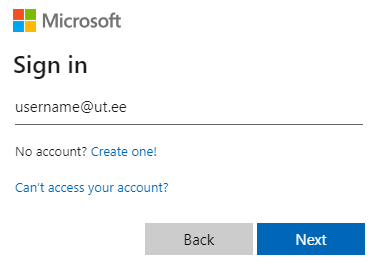
- Sign in with your university account (use the format username@ut.ee) at https://m365.cloud.microsoft/chat or via the Microsoft 365 app.
- University of Tartu login platform will open, where you can enter your university account password.
- On your first login, two-factor authentication will be required.
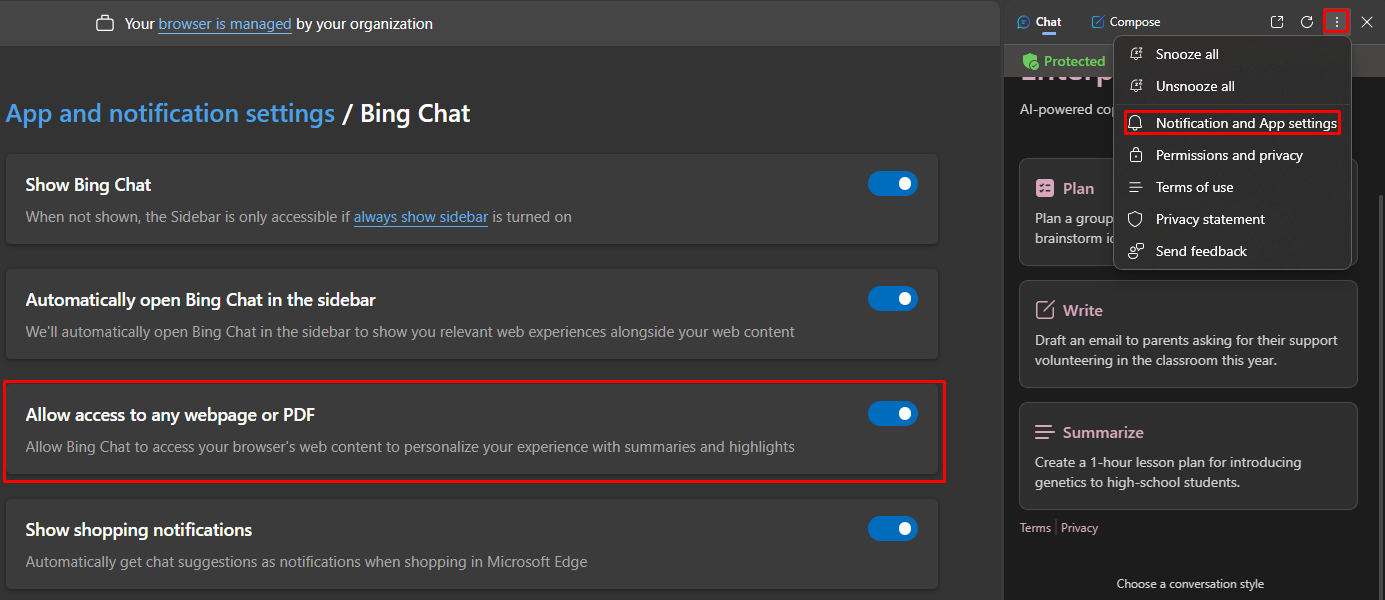
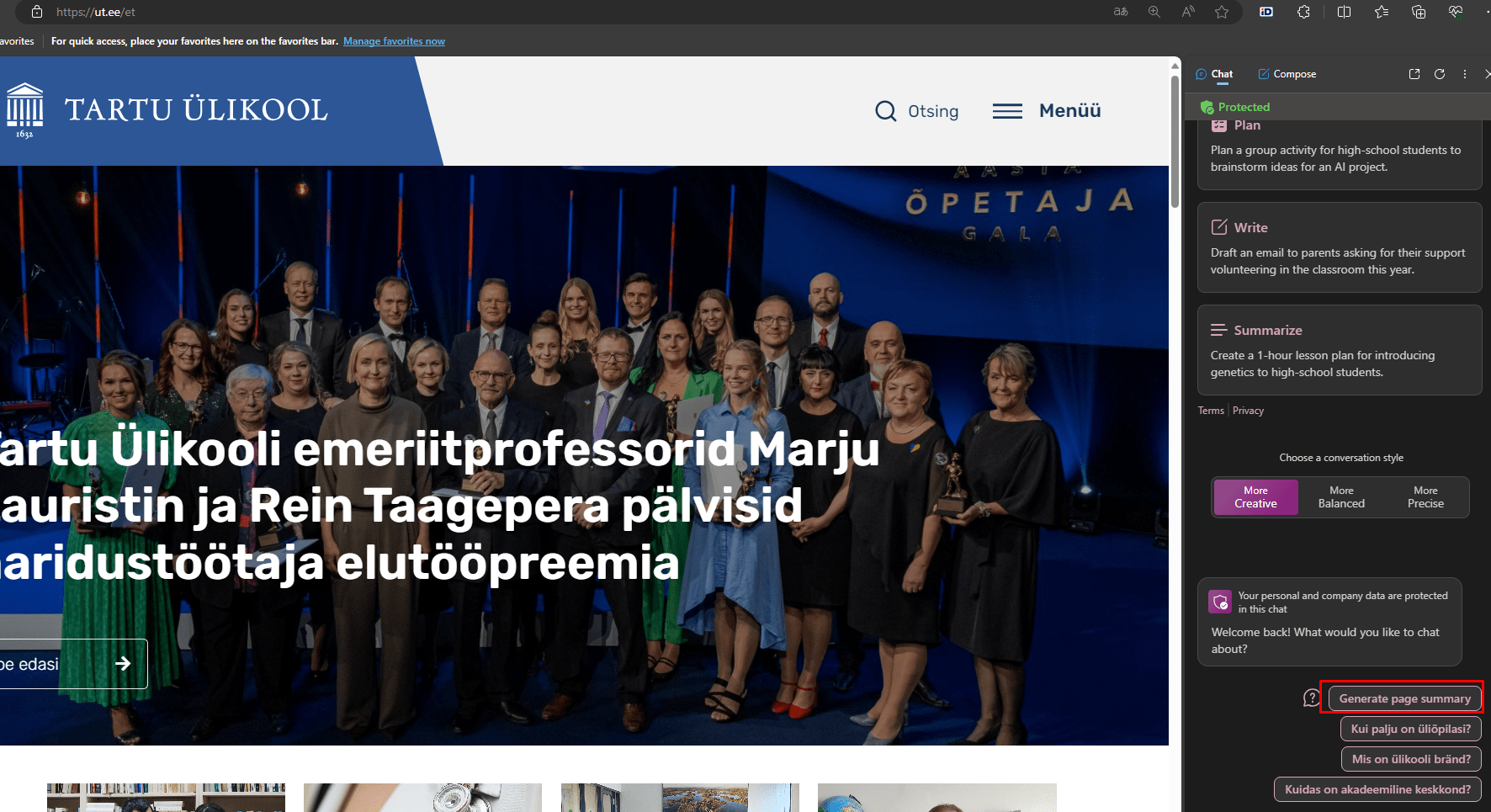
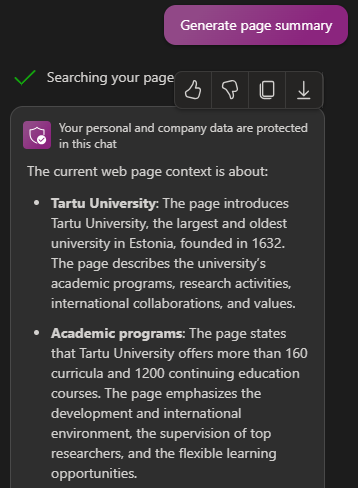
- If a green shield icon is displayed, data protection is ensured (Enterprise Data Protection).
- Start chatting.
Note: The protected version cannot be used with a personal Edge account; Microsoft Copilot can be used in commonly used web browsers.
Copilot Chat is also available as a mobile app:
|


When interacting with artificial intelligence (AI), it is possible to improve the outcome by being as precise and specific as possible when giving commands. When entering a command, consider the following details:
What else to consider when asking from AI?
More information can be found on the page: 2.3. Constructing a Prompt | Artificial intelligence at the University of Tartu |
Frequently Asked Questions (FAQ)
What kind of data can I enter into Copilot Chat?
Guidelines for using AI in teaching can be found here: Guidelines for using AI applications for teaching and studies | Tartu Ülikool
Does Copilot Chat require an additional license?
No. Microsoft 365 Copilot Chat is available free of charge for users with an educational license, both staff and students, and does not require a separate license.
Does Copilot Chat store conversations or learn from users?
No. Conversations are not stored and are not used to train AI models. Data protection is ensured.
Does Copilot Chat work in Estonian?
Yes, but for more complex queries, writing in English may yield more accurate results.
Why can’t I use Copilot Chat in Outlook?
This requires an additional Microsoft 365 Copilot license. You can read more about it here: Microsoft 365 Copilot
Support and Contact
If you need help using Copilot Chat, contact IT support:
- Email: arvutiabi@ut.ee
- Web: https://it.ut.ee
References
- Overview of Microsoft 365 Copilot Chat | Microsoft Learn
Get started with Microsoft 365 Copilot Chat - Training | Microsoft Learn
- Guidelines for using AI applications for teaching and studies | Tartu Ülikool
- Learning material: Learning and teaching in the age of Artificial Intelligence: how to use text-based AI in education. | Artificial intelligence at the University of Tartu
Keywords
Copilot Chat, Microsoft 365, AI, Copilot, artificial intelligence, IT service, students, staff